
Thanks for reading this post; previously I had set up a Dell PowerEdge Server R730 and included a step-by-step guide on how to install a single NVIDIA V100-32Gb card it and run ESXi.
The guides are here:-
https://www.mutface.com/nvidia-v100-32gb-on-dell-poweredge-r730-on-esxi/
https://www.mutface.com/nvidia-v100-32gb-on-dell-poweredge-r730-on-esxi/
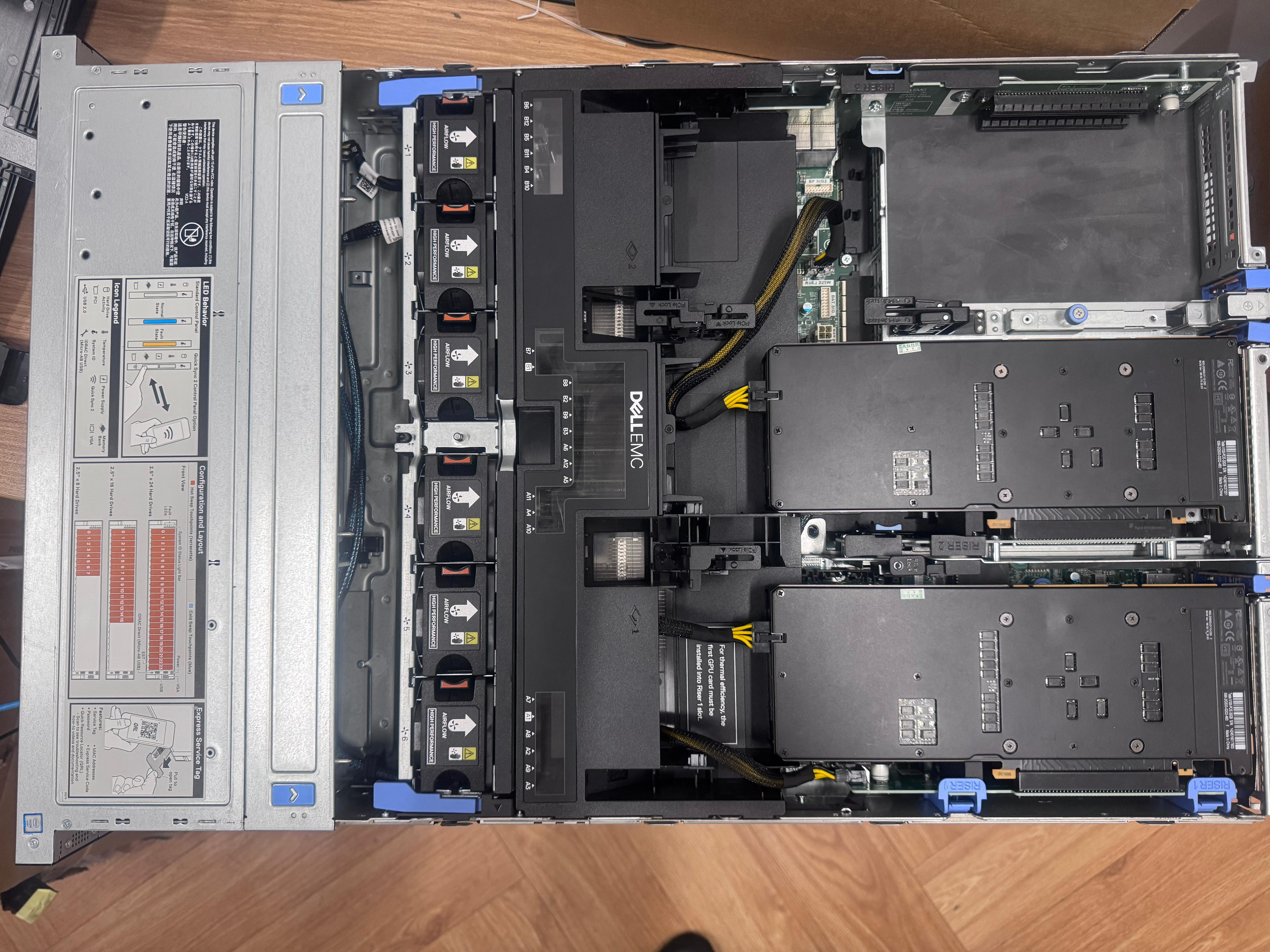
Because the V100 card uses passive cooling; I have been told that it’s probably worth not fully loading the Hard-drives at the front so that there is sufficient airflow going through the server so as to cool it sufficiently. Also we replaced the standard fans with 6 high-performance fans so that there is better air flow as the V100 passive cooling needs good airflow.
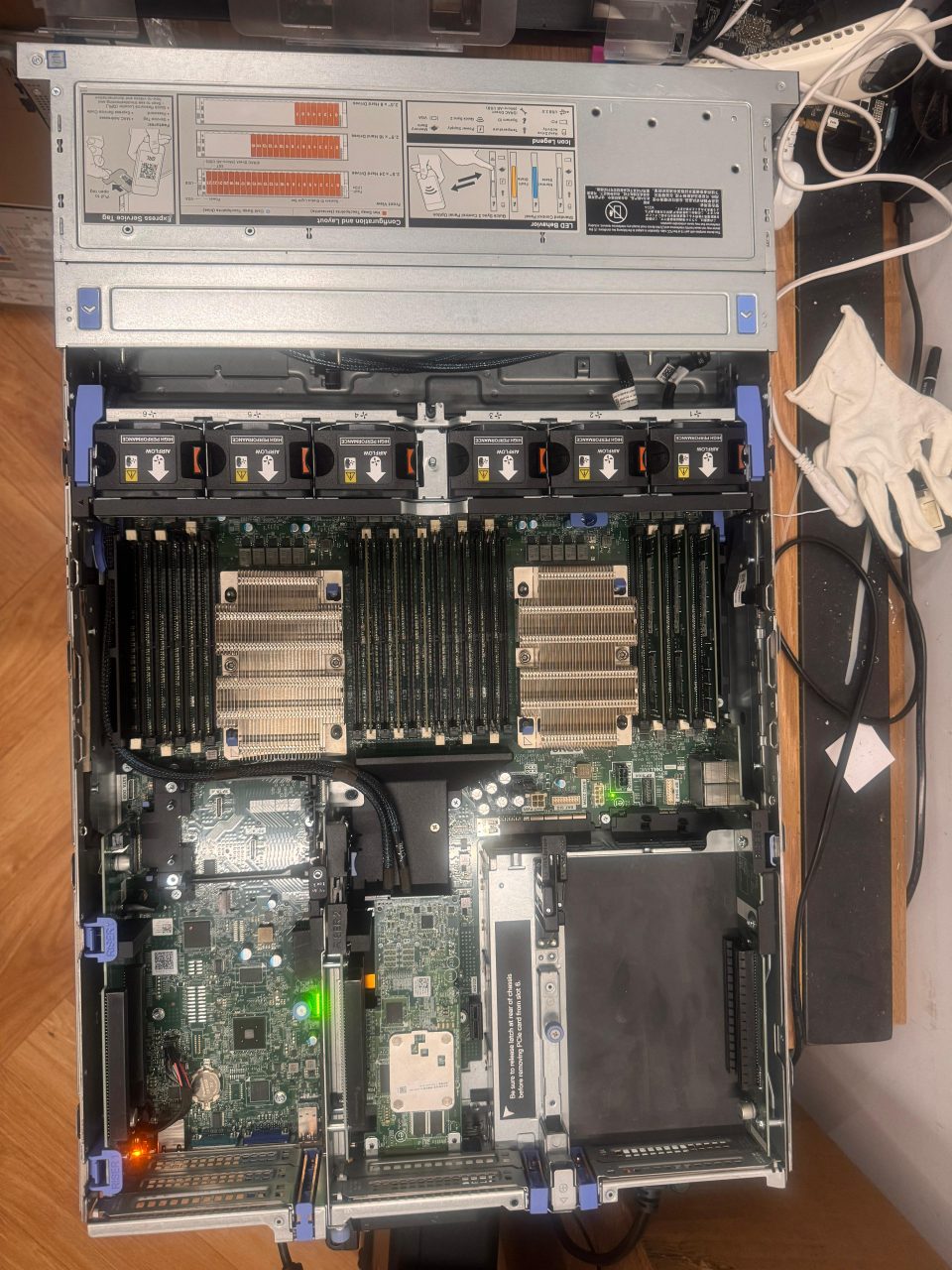
Here is a picture of the R740 server before the GPUs were plugged in:-
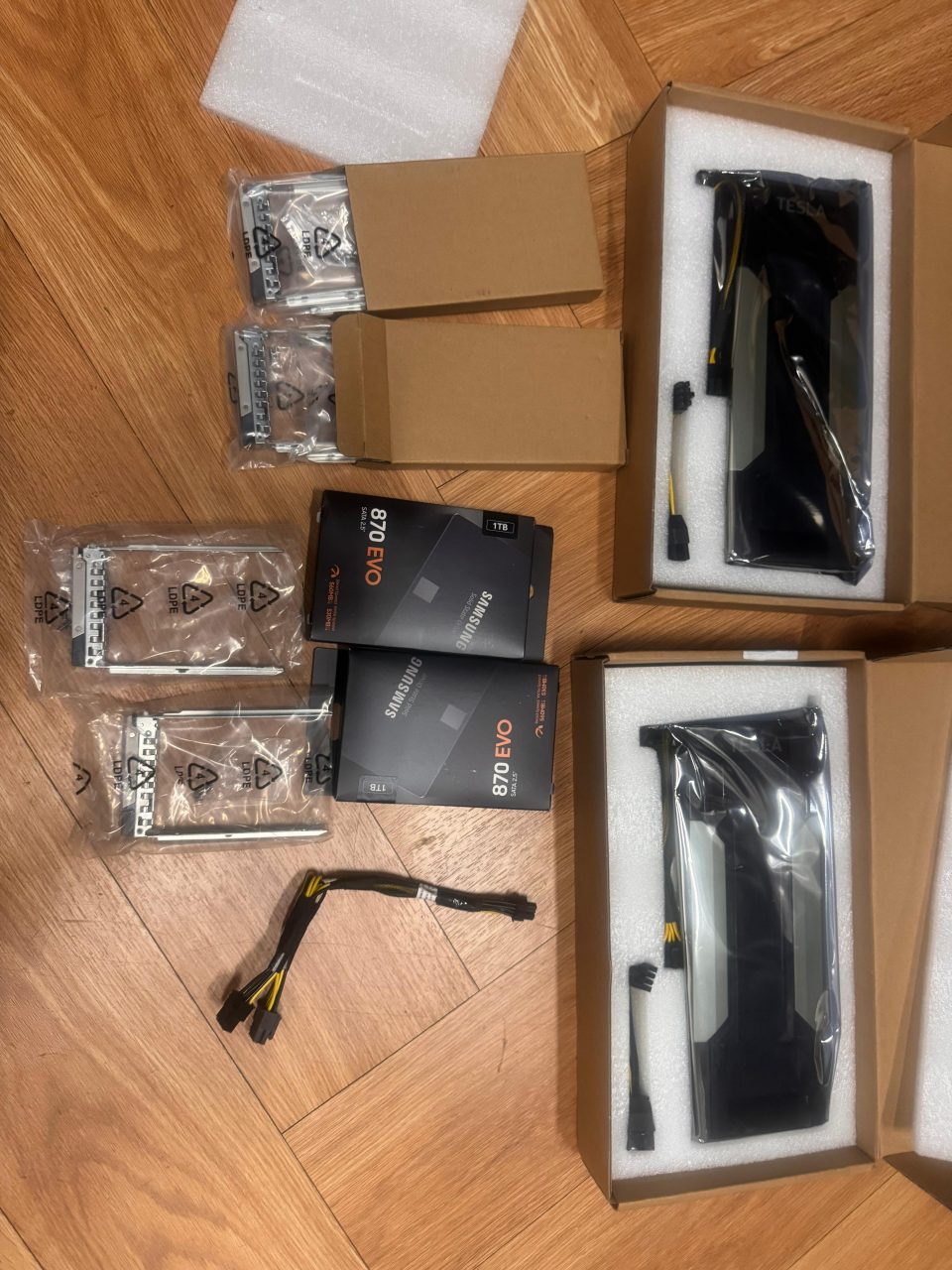
And the GPUs before they are unboxed and installed:-
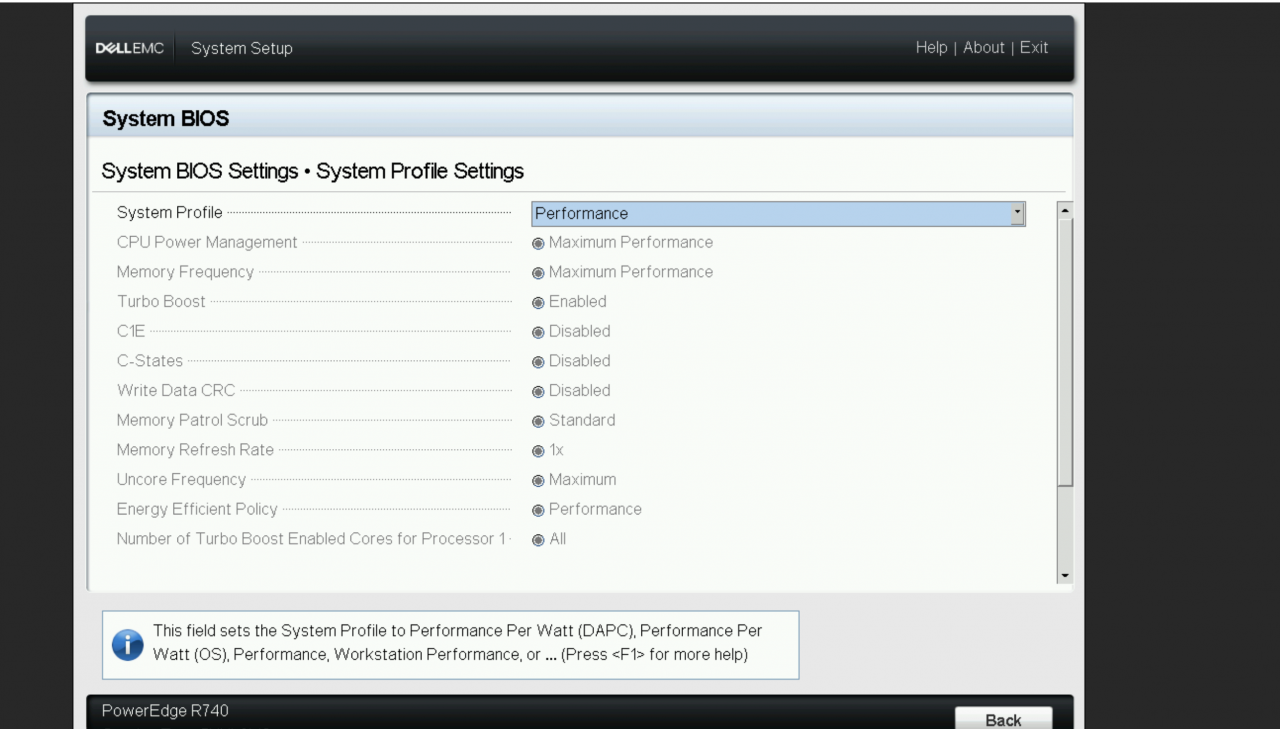
For the PSUs; I decided to go for the highest power ones; so I have 2 hot-swappable 2000W PSUs; I think 1600W should be enough too and possibly 1100W; but it’s better to have more than you need than not enough. I have setup the 2 PSU in a redundant style in the BIOS; also so that the GPU’s power doesn’t get throttled; it’s worth going into the BIOS or the Lifecycle Controller to set the Performance.
2000W PSUs:-
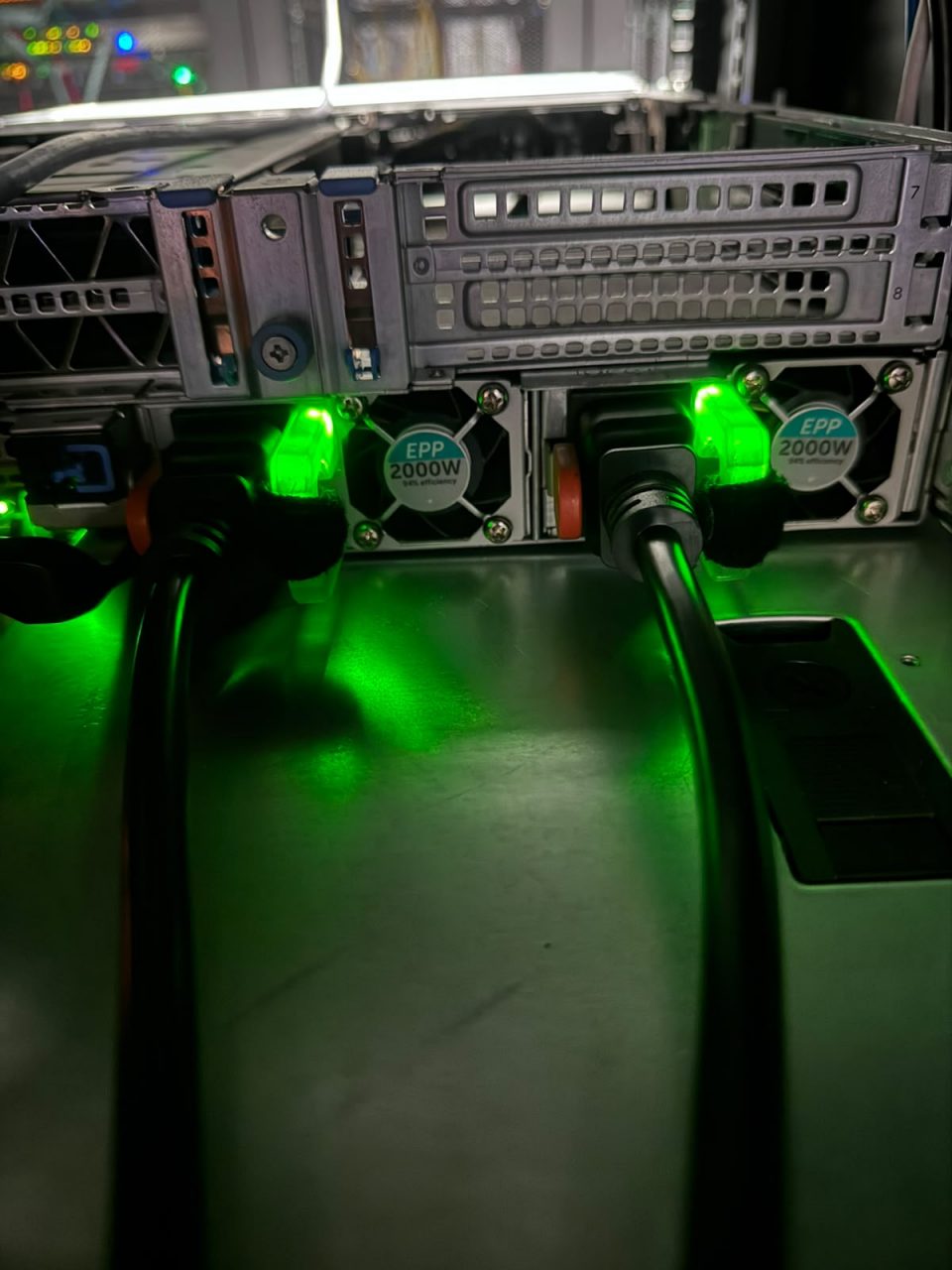
Remember that they need C19 plugs rather than the standard C13 kettle lead.
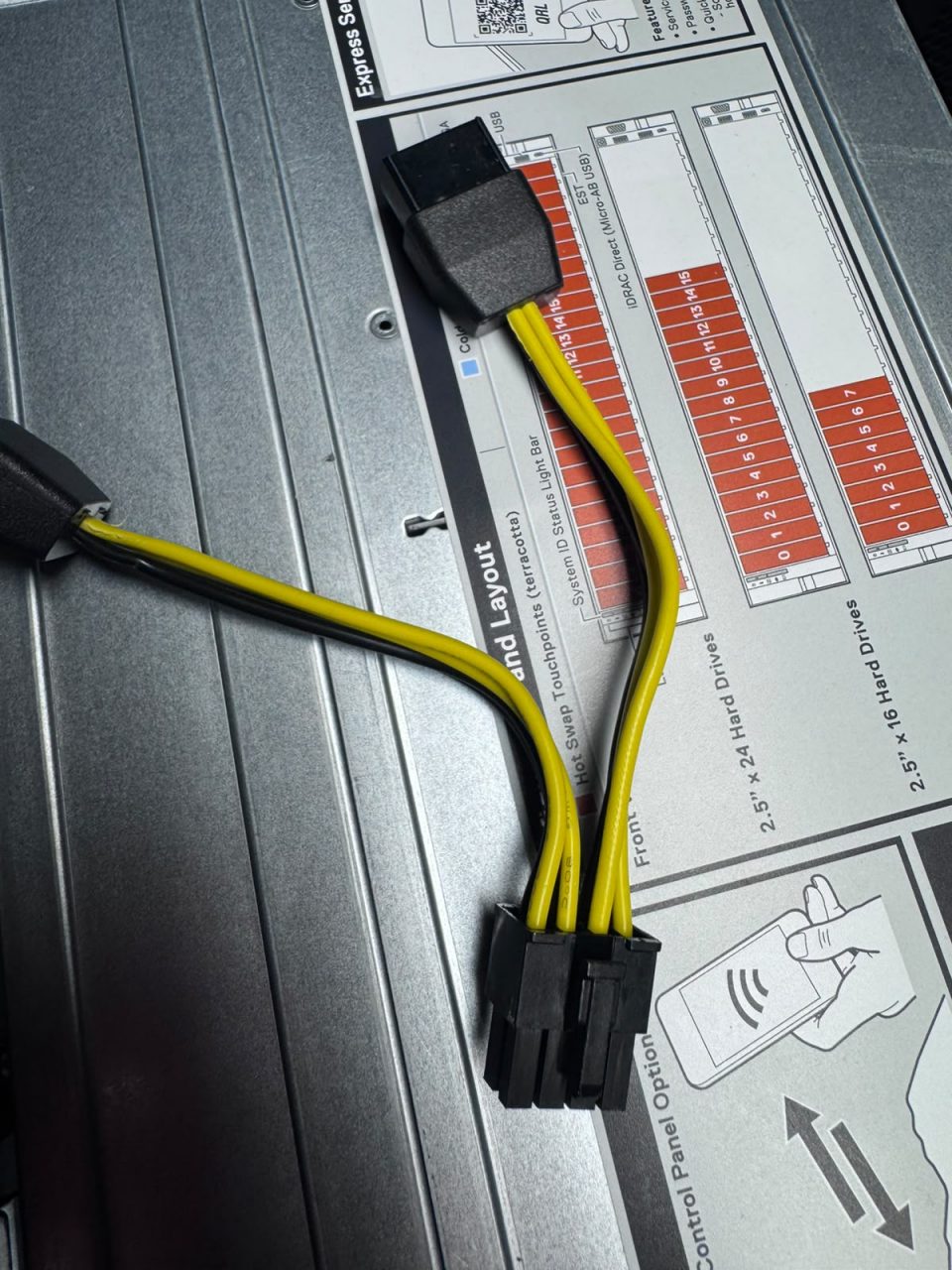
Hooking up the V100 and supplying it with power was slightly tricky; the GPUs should come with the Y splitter which you looks like this:-
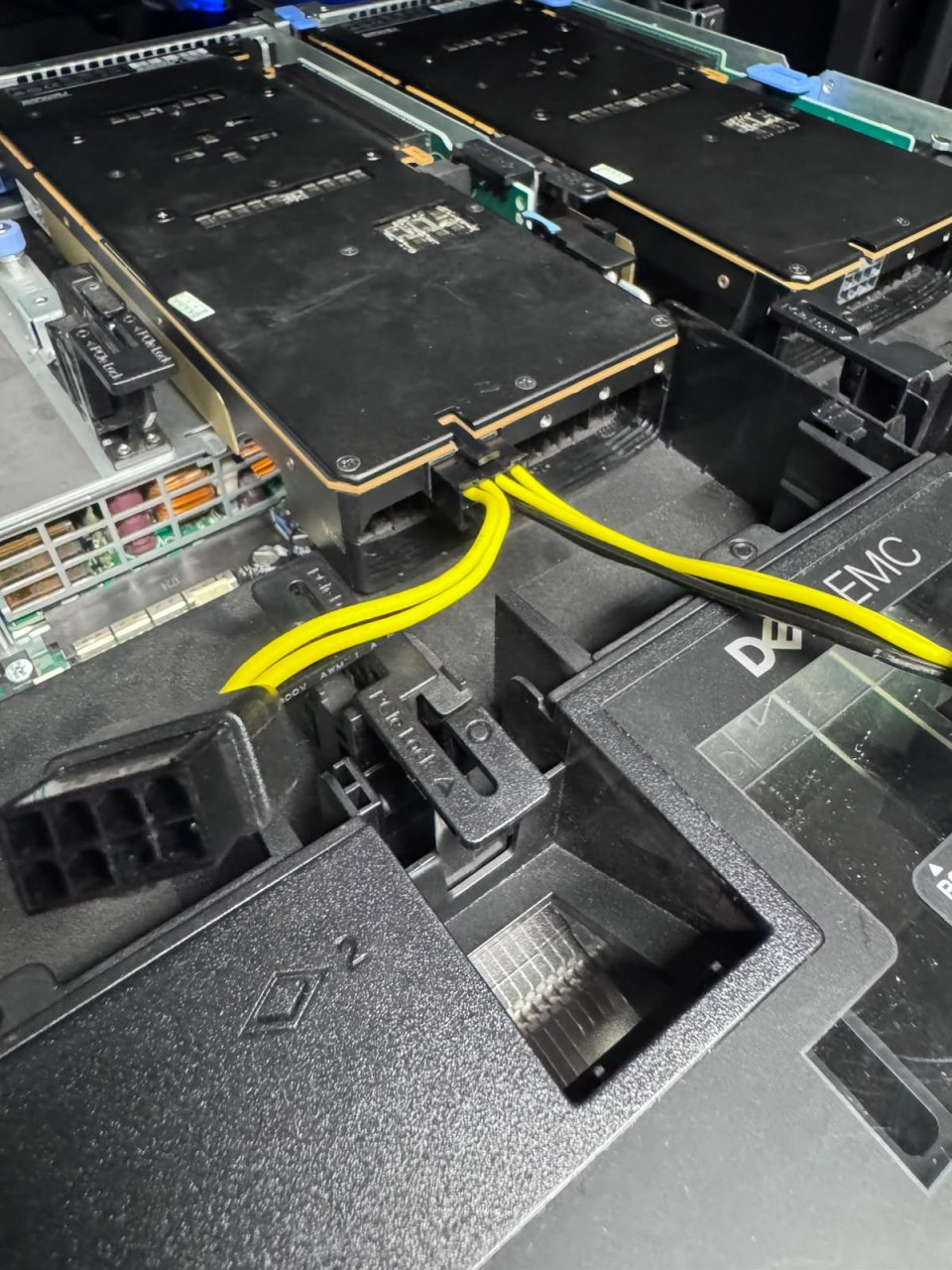
And when you plug it into the GPU it would look like this:-
And then you need to buy the cable 4VPD3 or 04VPD3 which looks like this:-
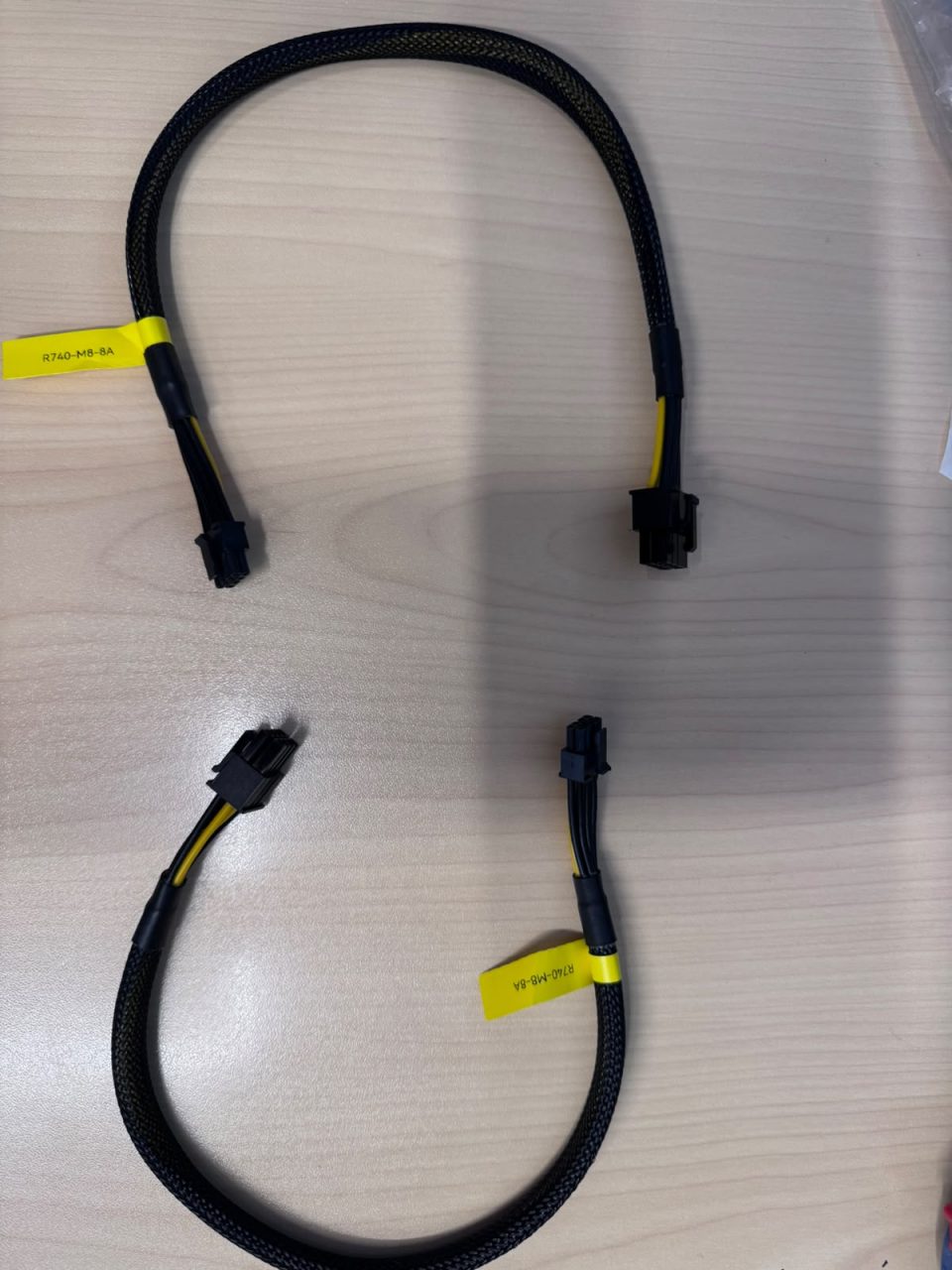
You can easily go on Ebay or anywhere to find this cable. Here is a reference link:- https://www.ebay.com/itm/406912198391
You definitely need this lead; I don’t think you can get the wiring to work without it. I tried to use a direct cable; the system would detect the GPUs as present but nothing would show up when you type nvidia-smi. In fact you would get this error:-
GPU does not have the necessary power cables connected.
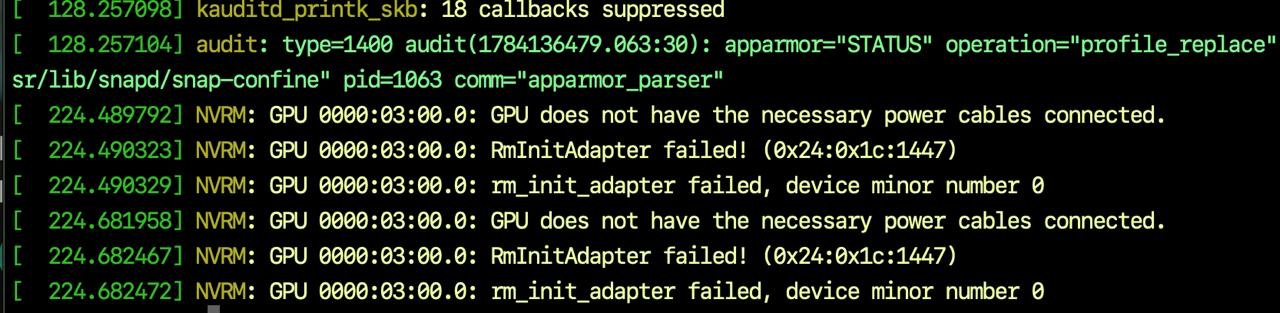
When you see this; it does mean exactly what it says and that the cable is not working. Some people had mentioned that this was a bug with the cuda library 535 but even when I changed the version the same error came up.
What I did next was plug one end onto the motherboard and then plugged the other end to one of the ends of the Y-spitter cable so that everything is wired up like this:-
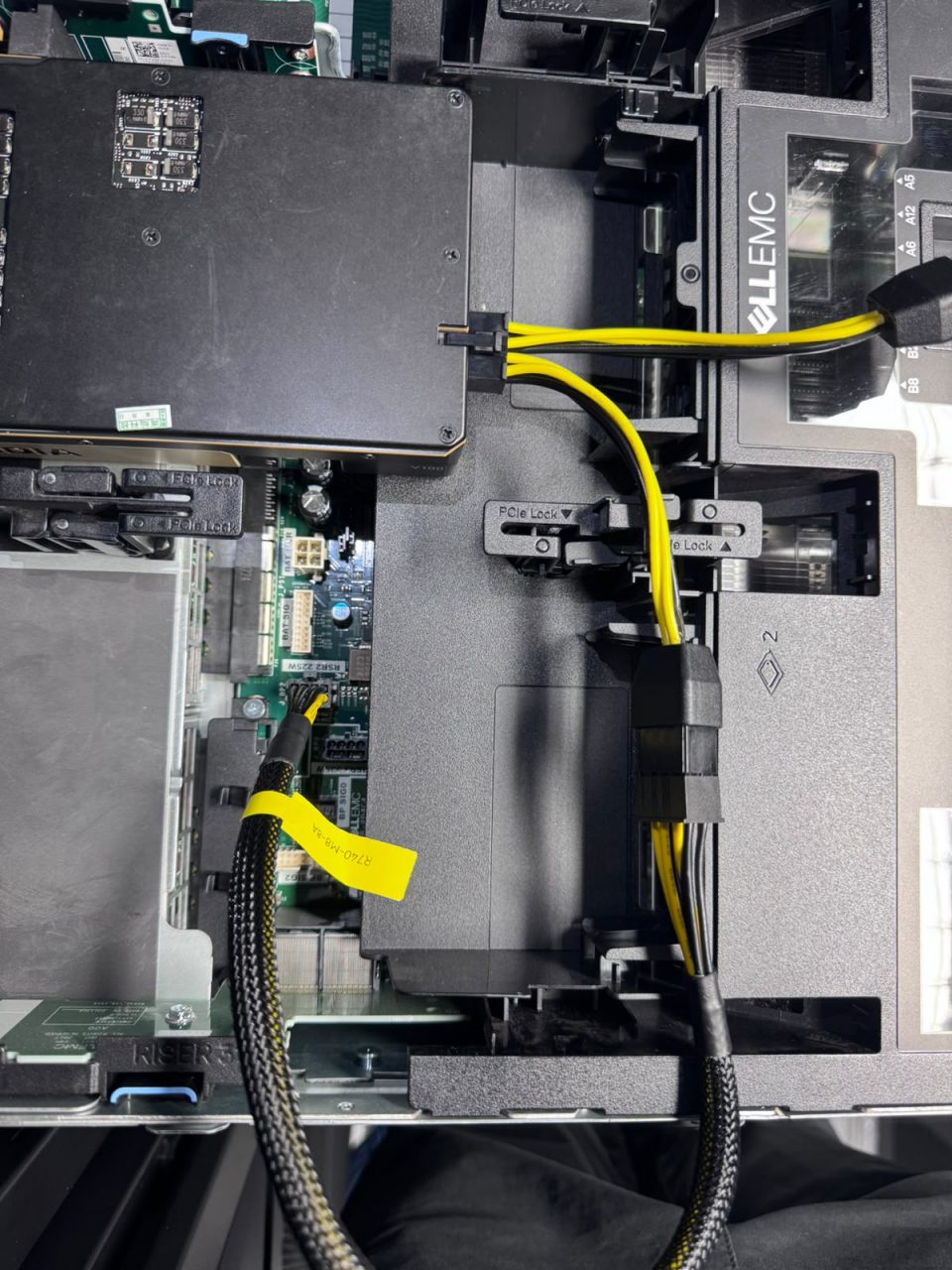
I was pulling my hair out a bit because I tried to get a cable that connected directly from the motherboard to the GPU but that didn’t work so I ended up getting the 4VPD3/04VPD3 cable. I think it’s best to plug in the 2 x V100 GPUs into those particular risers because those 2 risers are 16-bits which gives optimal performance.
After I got these all wired up I was able to install ESXi and do GPU passthrough so that I could setup VM containers that had the GPUs. If you need help with how to install ESXi go here:- https://www.mutface.com/nvidia-v100-32gb-on-dell-poweredge-r730-esxi-part-2/
I ended up using secure UEFI boot and then I went into the MOK management clicked Enroll and then disabled UEFI to save hassles.
ESXi Setup Foot Note
For the pciPassthru.64bitMMIOSizeGB size; if you have 2 x V100 GPUs with 32 Gb each – then you should set 128. If you only have 1 x V100 GPU with 16 Gb then you can just set 32 Gb.
Here is an example of what to set.
Examples for V100s:
1 × 16 GB → 32
2 × 16 GB → 64
1 × 32 GB → 64
2 × 32 GB → 128
4 × 16 GB → 128 (or 256 to be safe)